Autonomous Hovercraft
Introduction
A team project to develop an autonomous hovercraft controlled by an air-cushion lifting mechanism to effectively eliminate friction during movement. The hovercraft was navigated around the map and stopped accurately in the targeted zones. I led a team of 5 people to finish the lap in the shortest amount of time.


You can also put regular text between your rows of images. Say you wanted to write a little bit about your project before you posted the rest of the images. You describe how you toiled, sweated, bled for your project, and then… you reveal its glory in the next row of images.
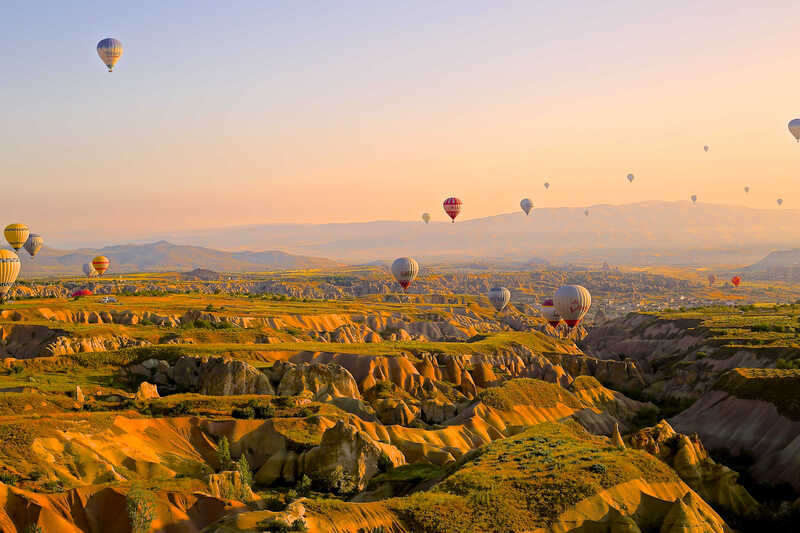

The code is simple. Just wrap your images with <div class="col-sm"> and place them inside <div class="row"> (read more about the Bootstrap Grid system). To make images responsive, add img-fluid class to each; for rounded corners and shadows use rounded and z-depth-1 classes. Here’s the code for the last row of images above:
<div class="row justify-content-sm-center">
    <div class="col-sm-8 mt-3 mt-md-0">
        {% include figure.html path="assets/img/6.jpg" title="example image" class="img-fluid rounded z-depth-1" %}
    </div>
    <div class="col-sm-4 mt-3 mt-md-0">
        {% include figure.html path="assets/img/11.jpg" title="example image" class="img-fluid rounded z-depth-1" %}
    </div>
</div>